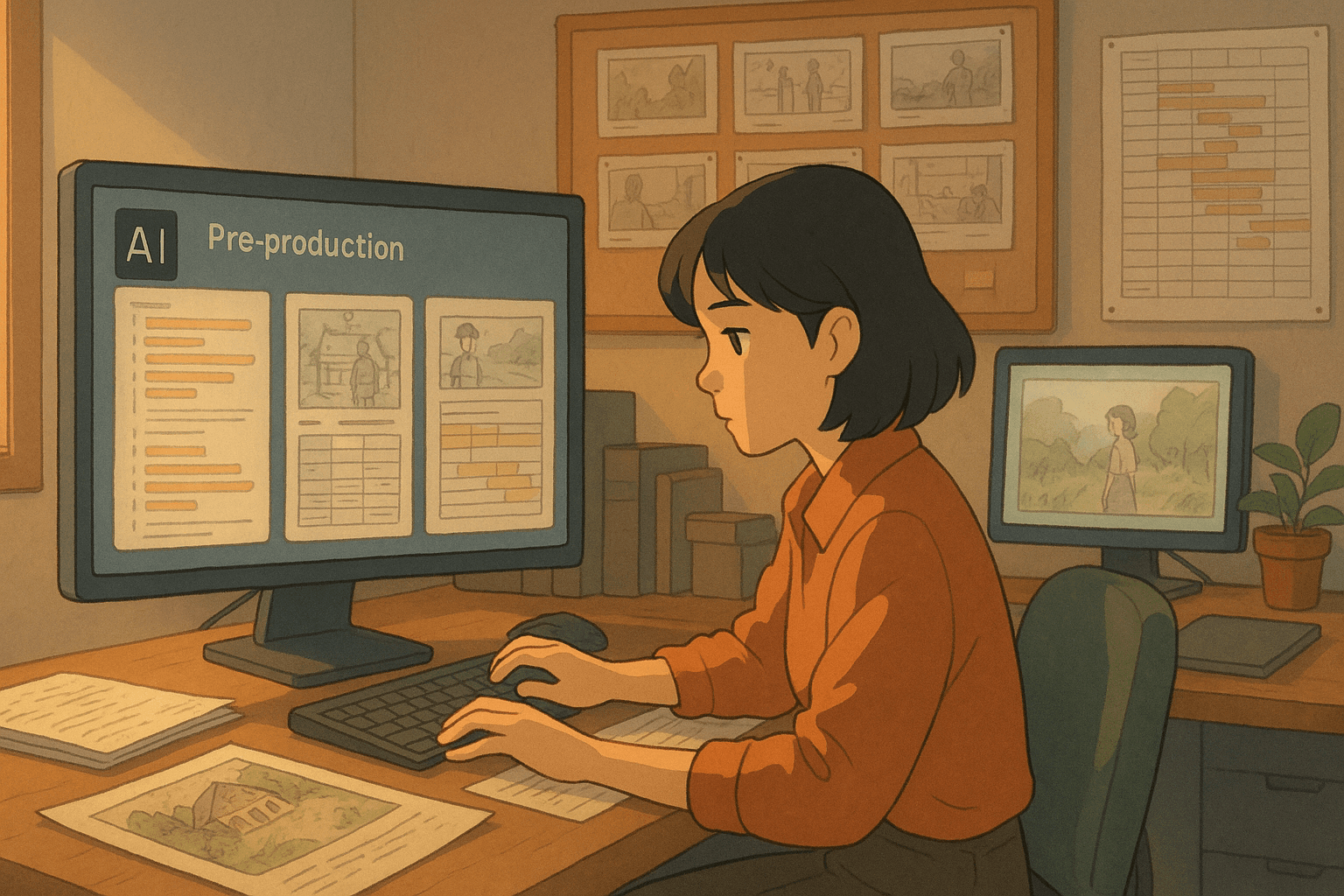
Introduction: From Script to Shoot Without the Headache
Pre-production is the battleground where most film plans succeed or fail. What if you could shrink days of prep work into hours with AI? In this post, we’ll map out a fully AI-augmented workflow for pre-production: script breakdown, storyboard / animatic generation, shot lists, scheduling, and version tracking. We'll explore tools you can adopt now, show sample pipelines, and warn about where human oversight remains essential.
The Pre-Production Bottlenecks AI Can Solve
- Manual script breakdowns (location tags, props, cast lists)
- Static storyboards that don’t move or suggest edits
- Shot list generation & continuity conflict checks
- Scheduling with cast / location constraints
- Version control & revision auditing
AI promise: reduce redundancy, eliminate oversights, and let creative teams focus on vision—not logistics.
Example Pipeline (Stage-by-Stage)
1. Script Breakdown
- Feed the screenplay (Fountain, Final Draft, PDF) into an AI breakdown tool.
- Extract slug lines, characters, props, set needs, special effects
- Output to CSV / breakdown sheet / production database
Relevant tool references: Prescene already uses AI for scene breakdowns.
2. Storyboard / Animatic Generation
- Use AI image (or video) generation to create shot frames or motion previews
- Combine frames into sequences, add rough timing or transitions
- Use prompt logs & version history to align with script evolution
3. Shot List & Continuity Checks
- From breakdown + storyboard, AI can suggest shot orders, overlapping coverage, avoiding continuity issues
- Flag prop/actor conflicts (e.g. actor in two locations same day)
4. Scheduling & Day-Out-of-Days (DOODS)
- AI can propose shooting days based on location, cast availability, budget constraints
- Generate DOOD reports, identify overbooked resources, propose swap options
5. Revision & Version Tracking
- Every script version triggers a fresh breakdown, diffing against prior versions
- AI flags new additions, dropped scenes, or unmatched visual elements
Tool Landscape & Examples
- Prescene’s scene breakdown automation
- OpenAI Sora 2 (for storyboarding/moving visuals)
By mixing and matching, small teams can build surprisingly powerful systems.
Case Study: Indie Short (Hypothetical)
-
Script Upload & Breakdown
- The 20-page script is fed into AI → output: 15 scenes, 6 characters, 22 props, 8 locations
-
Storyboard Prototypes
- Generate 60 AI frames across key scenes (using Sora or similar)
- Create a 30-second animatic for tone & pacing
-
Shot & Continuity Planning
- AI suggests viable shot order, flags actor overlap or excessive camera moves
- Recommends combining similar setups or minimizing resets
-
Scheduling / DOOD Generation
- AI outputs 3-day shooting plan with optimal grouping (interior vs exterior)
- Identifies conflicts (actor unavailable 3rd day) and suggests swap
-
Version Updates
- Writer revises page 12 → AI breakdown updates, flags visual discrepancy in storyboard
- Editor tweaks animatic accordingly
Result: pre-production that normally takes 5 days gets compressed into ~1–2 days, with fewer human errors.
Risks, Oversight & Human Gating
- Always review AI output manually — these tools are assistants, not directors
- Maintain prompt and version logs for auditability
- Be wary of licensing or copyright traps if AI visuals use copyrighted models
- Use the AI pipeline only for early stage; shift to human refinement before shoot
- Monitor tool TOS and data usage policies regularly
Getting Started: How to Build Your AI Pre-Prod Stack
- Start with one tool (e.g. AI script breakdown) and master it
- Add visual generation for storyboarding/animatic
- Combine with scheduling tools (or build simple heuristics)
- Build wrapper scripts or workflows to connect each stage
- Educate your production team to trust—but verify—AI output
Conclusion
AI-powered pre-production is happening now. While no tool is flawless, combining AI script breakdowns, visual prototyping, shot planning, and automated scheduling can collapse weeks of manual work into an accelerated, safer, and more creative pipeline.
For filmmakers, the goal is not to replace human decision-makers but to empower them: give them more time to focus on vision, story, and cinematic excellence by offloading repetitive, error-prone tasks to machines.
Get started small, build iteratively, and let your AI-augmented workflow evolve with your creative ambition.
References & Further Reading
- Prescene’s “Planning Production with Precision” blog on automated breakdowns
- OpenAI Sora 2